Kids & parents
Bring homework, a spelling list or a favorite animal into short, playful practice.
 Choose a language & start
YOUR WORLD. YOUR WORDS.
WordyKid is a multilingual, game-based language-learning platform. Turn a photo, a worksheet or your own text into a vocabulary pack, review the words, then bring them to life in learning games.
In your browser. For curious kids, families, teachers and adult learners.
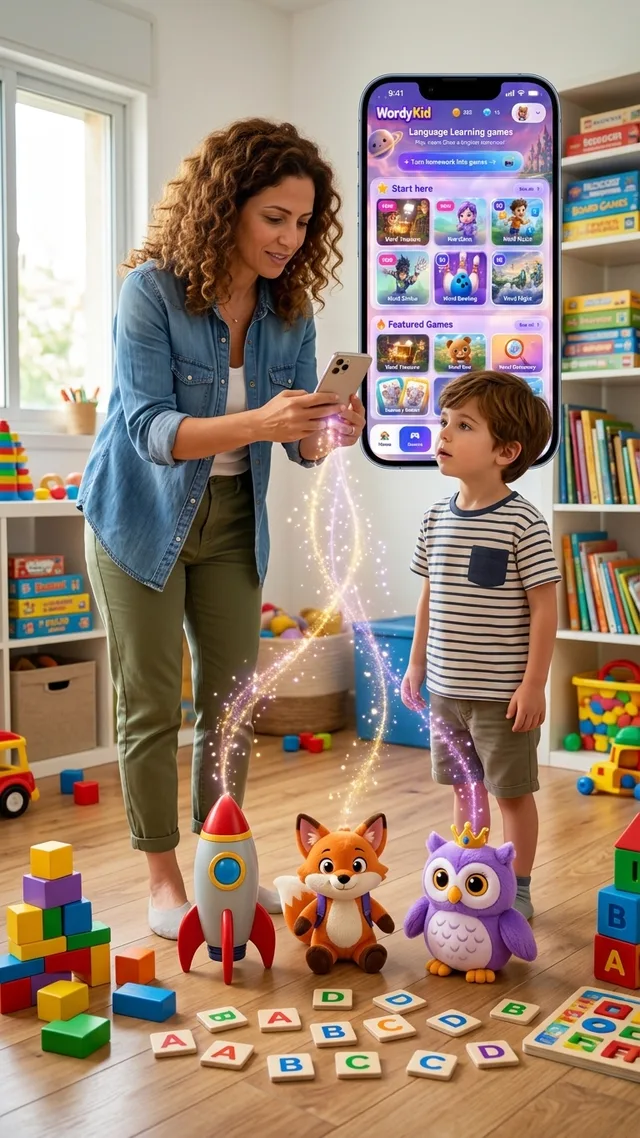
FROM EVERYDAY MOMENTS TO PLAY
A spelling list is just the beginning. A book page, a menu, a toy or a bowl of fruit can also be a starting point for useful vocabulary.
Upload a clear photo of homework, a worksheet, a book, a sign, a menu or everyday objects. Or paste your own words and text.
AI suggests vocabulary from the image or text. For suitable images, it can identify a theme and suggest related words too. Recognition and suggestions can be imperfect.
Check the suggested words, edit what needs changing and approve your learning pack. You decide what to practice.
Use the approved pack in compatible games. Explore different ways to practice vocabulary, reading, spelling, listening and translation.
THE WORDS ARE YOURS. THE ADVENTURE CHANGES.
Discover colorful game worlds, from matching and word recognition to listening and building words. Keep your useful vocabulary and change the way you practice. New games are added over time.
AI-assisted input, editable vocabulary, compatible game formats and activity tracking work together. Bring your own material, then choose how to practise it.
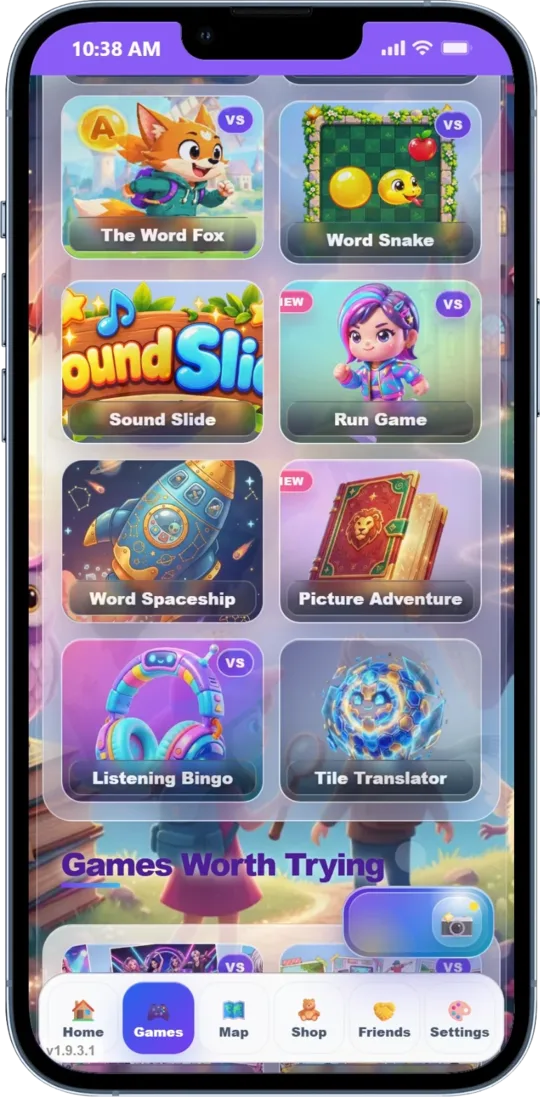
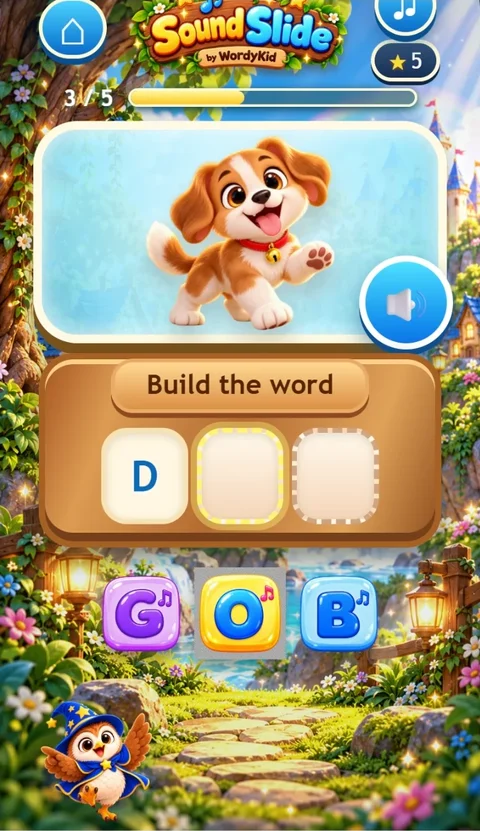
Bring homework, a spelling list or a favorite animal into short, playful practice.
Build practice around your class vocabulary, worksheets and reading material.
Revisit a menu before a trip, useful work vocabulary or words from a book.
Choose words from family life, everyday objects and the languages you use at home.
English, Hebrew, Spanish, Russian, Arabic and French. Features and games can differ by language, learner level and access plan.
Activity statistics and progress views help you follow practice over time. The information available depends on your access and the activities you use.
Yes. Upload a clear photo of a word list, homework, a worksheet, a book page, a sign or a menu. You can also try a picture of everyday objects, toys, fruit or animals. AI suggests vocabulary; review and edit the words before approving the pack for compatible games. You can paste words or text instead.
For suitable images, AI can use the pictured subject or theme to suggest related vocabulary. A fruit photo, for example, may lead to fruit words beyond the items shown. This is not a guarantee that every object will be recognized or every suggestion will be correct. Always review the pack.
Yes, an approved vocabulary pack can be used in multiple compatible games. Not every game supports every pack, language or level. Check the options available in the product.
Core games can be started without an immediate purchase. Full access and AI generation have separate access rules and limits. A game-access purchase does not automatically include AI credits. Review the current access options, credits and prices shown in the product before purchasing or generating a pack.
WordyKid can support all of these learners, depending on the material, language, level and game. Parents and teachers can bring personal or classroom vocabulary. Adults can practice useful words for travel, work or everyday life. WordyKid is a practice platform, not a complete language course or a guaranteed replacement for a teacher.
WordyKid works in a browser and supports English, Hebrew, Spanish, Russian, Arabic and French. Game and feature availability varies by language, level and access plan. You do not need to install an app to start in the browser.
YOUR WORLD. YOUR WORDS.
Choose a language. Bring something worth learning. Make practice playful.
Choose a language & start Use your own words or photo