Start with real school material
Use your child's real school words, worksheets, and reading pages.
Use tonight's homework, spelling list, worksheet, or reading page for short practice built around the words your child actually needs next
Less setup for parents. More useful repetition for kids.
These figures are based on activity recorded in WordyKid and update automatically. No personal information is shown.
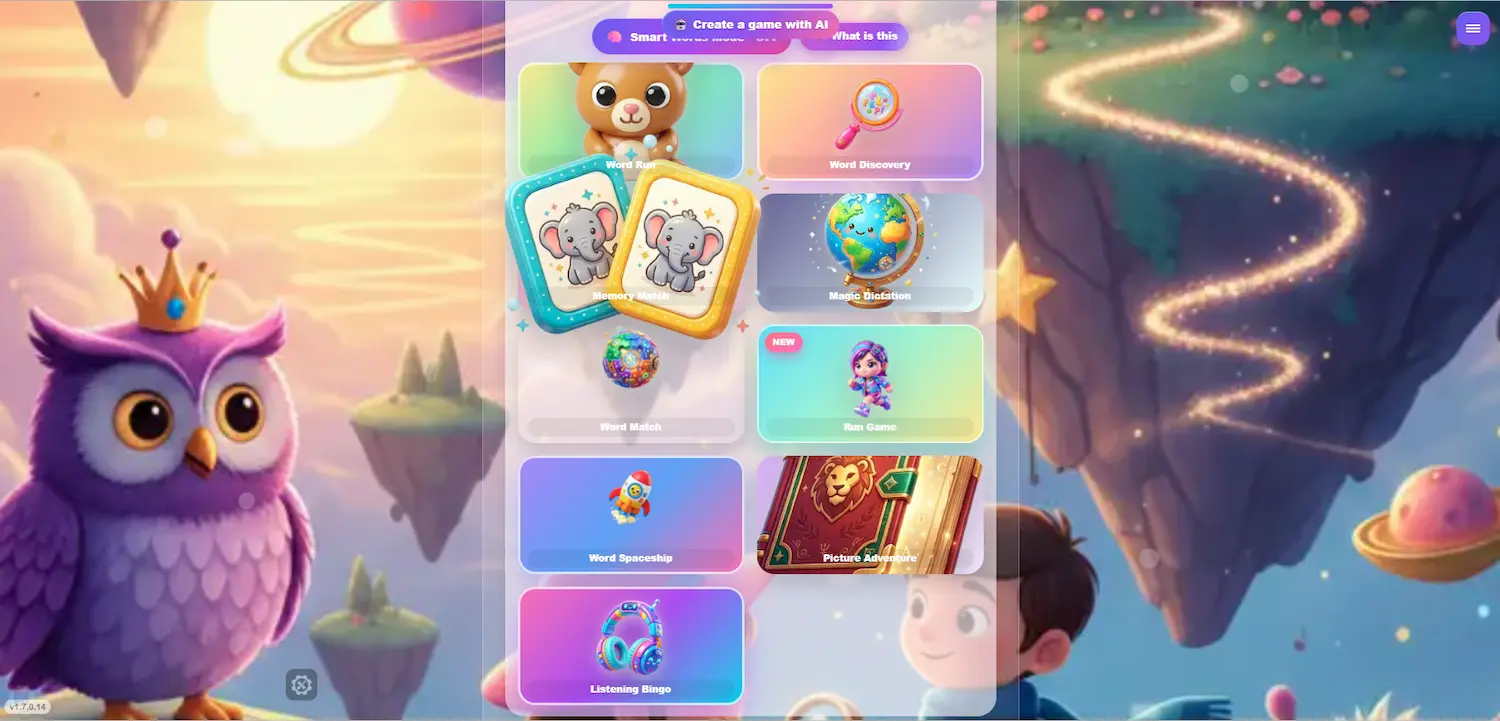
Homework practice often breaks down after the first pass. The words matter, but the format can feel heavy just when children need to repeat it.
WordyKid starts with the spelling words, worksheet, or reading page your child already brought home, then gives those words a lighter way to come back again.
The result is less planning for parents, fewer blank-list moments, and practice that stays tied to school.
Homework lists, worksheets, and reading pages do not have to become separate battles. WordyKid keeps them together as short reading and spelling rounds.
Your child keeps practicing the exact words that matter, while progress stays saved across sessions. Parents can see what improved, which words still need work, and how consistency builds over time.
What starts as homework practice can become a clearer, calmer home routine.
School practice works best when it stays close to the words and reading material children are actually asked to learn.
WordyKid helps parents use the material they already have at home for short games, saved progress, and repetition that feels easier to continue.
It started with a simple frustration: kids already had homework, spelling lists, reading pages, and worksheets, but practice at home still felt scattered.
WordyKid brings that material into reading and spelling games that feel lighter for kids and more useful for parents.
Open games and basic practice for a first homework session.
Use every homework photo for personalized practice, with deeper parent stats and full progress history.
Start with the material your child already has, then keep practice short and easy to revisit.
Use your child's real school words, worksheets, and reading pages.
Upload a photo, paste text, or add homework words to create playable practice.
Practice the same material across multiple short game modes.
Open WordyKid on a phone, tablet, or computer and revisit your practice history over time.
Yes. Use the exact worksheet, reading page, vocabulary list, or spelling list your child got at school. WordyKid uses it for practice that is relevant and level-matched.
Yes. Kids can practice letter sounds, decoding, and common patterns through short game rounds. It works especially well when you snap real content your child is currently learning.
Yes. No ads, no external links, and no chat with strangers. It is designed to be a calm, parent-friendly environment.
Yes. It is built for independent play with simple interactions. Parents can feel good about this as screen time used for real practice.
No. It runs fully in the browser on phones, tablets, and computers.
No problem. The platform can support audio-based practice so kids can listen, match, and learn even before reading feels easy.
Yes. Sessions are saved, and you can see clear stats on progress, wins, and vocabulary growth over time.
Yes. You can create multiple child profiles in one family account, so each child gets their own progress and history.
Usually, yes. If the photo is reasonably clear and not blurry, WordyKid can handle real student handwriting from notebooks and worksheets.
Currently: English, Hebrew, Arabic, Spanish, and Russian. More languages are coming.
A good starting point is 10 to 15 minutes a day. WordyKid is designed for short, repeatable practice sessions that are easy to fit into a routine.
You can cancel anytime from your account with a single click. No long process and no back-and-forth.